When to use it. A button or a text link: an address, the text, and whether it opens in a new tab.
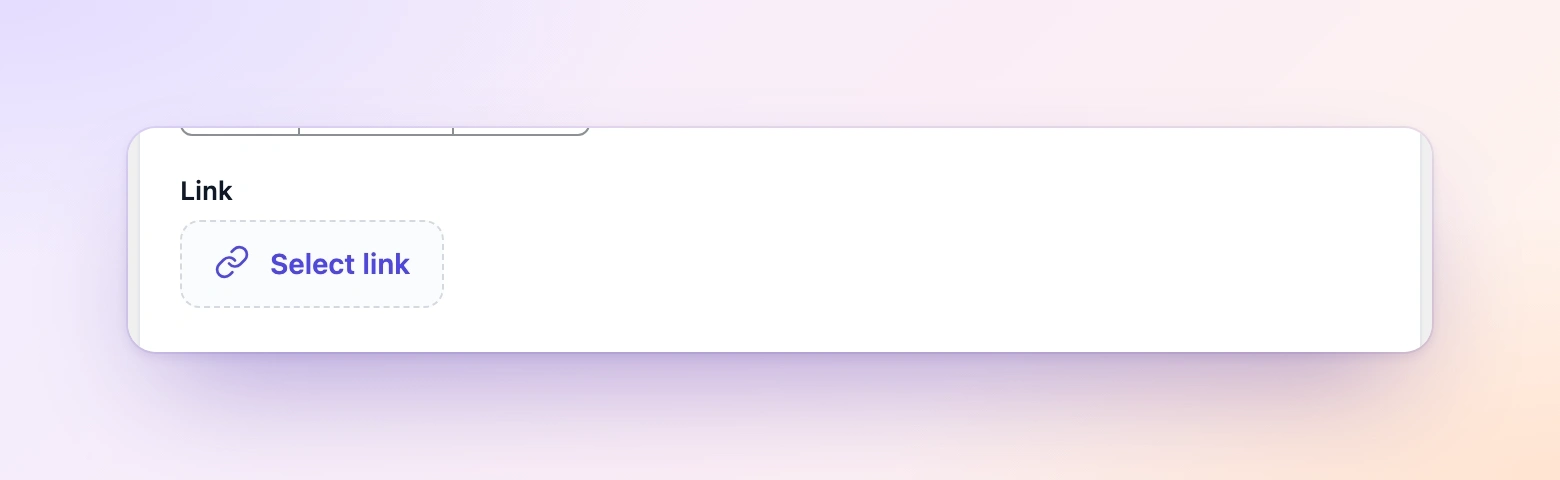
What the editor sees. A button that opens a small dialog with the address, the text and whether it opens in a new tab.
| Name in files and code | link |
ugly_get() gives |
[ 'url' => , 'title' => , 'target' => ], or only the address. |
| Behavior | can be required; can share a line with other fields |
Settings
| Setting | What it does | Default |
|---|---|---|
| What the code receives | With "an array": ugly_get() gives url, title, target and nofollow. Choices: {'value': 'array', 'label': 'URL, text and target (an array)'}, {'value': 'url', 'label': 'Only the URL'}. |
array |
In your theme
<?php $cta = ugly_get( 'cta' ); ?>
<?php if ( $cta ) : ?>
	<a class="button"
	   href="<?php echo esc_url( $cta['url'] ); ?>"
	   <?php echo '_blank' === $cta['target'] ? 'target="_blank" rel="noopener"' : ''; ?>>
		<?php echo esc_html( $cta['title'] ); ?>
	</a>
<?php endif; ?>
Good to know
- With What the code receives set to
array(the default), you geturl,titleandtarget. Withurlyou only get the address. - In Block Bindings, a link field gives its address to
urland its title totextof a button. - An address that runs code is never kept.