When to use it. One file: a PDF, a price list, a presentation.
What the editor sees. The name of the file, with Add file, Change and Remove.
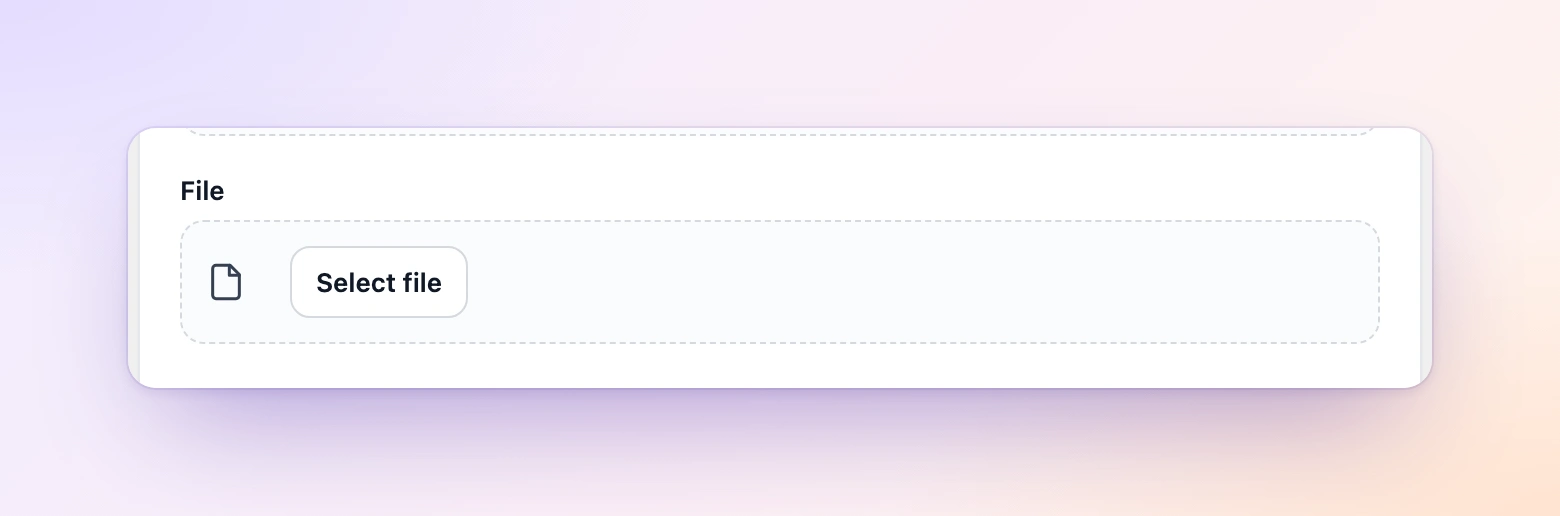
| Name in files and code | file |
ugly_get() gives |
The ID, the URL or an array. |
| Behavior | can be required; can share a line with other fields |
Settings
| Setting | What it does | Default |
|---|---|---|
| What the code receives | What ugly_get() returns. The ID is the lightest: use it with wp_get_attachment_image(). Choices: {'value': 'id', 'label': 'The ID'}, {'value': 'url', 'label': 'The URL'}, {'value': 'array', 'label': 'All the details'}. |
id |
In your theme
$file = ugly_get( 'brochure' );   // return format: array
if ( $file ) : ?>
	<a href="<?php echo esc_url( $file['url'] ); ?>" download>
		<?php echo esc_html( $file['filename'] ); ?>
	</a>
<?php endif;
Good to know
- With What the code receives set to
id, usewp_get_attachment_url( $id ). - It is a normal WordPress attachment.