When to use it. A table the editor types: prices, opening times, a comparison.
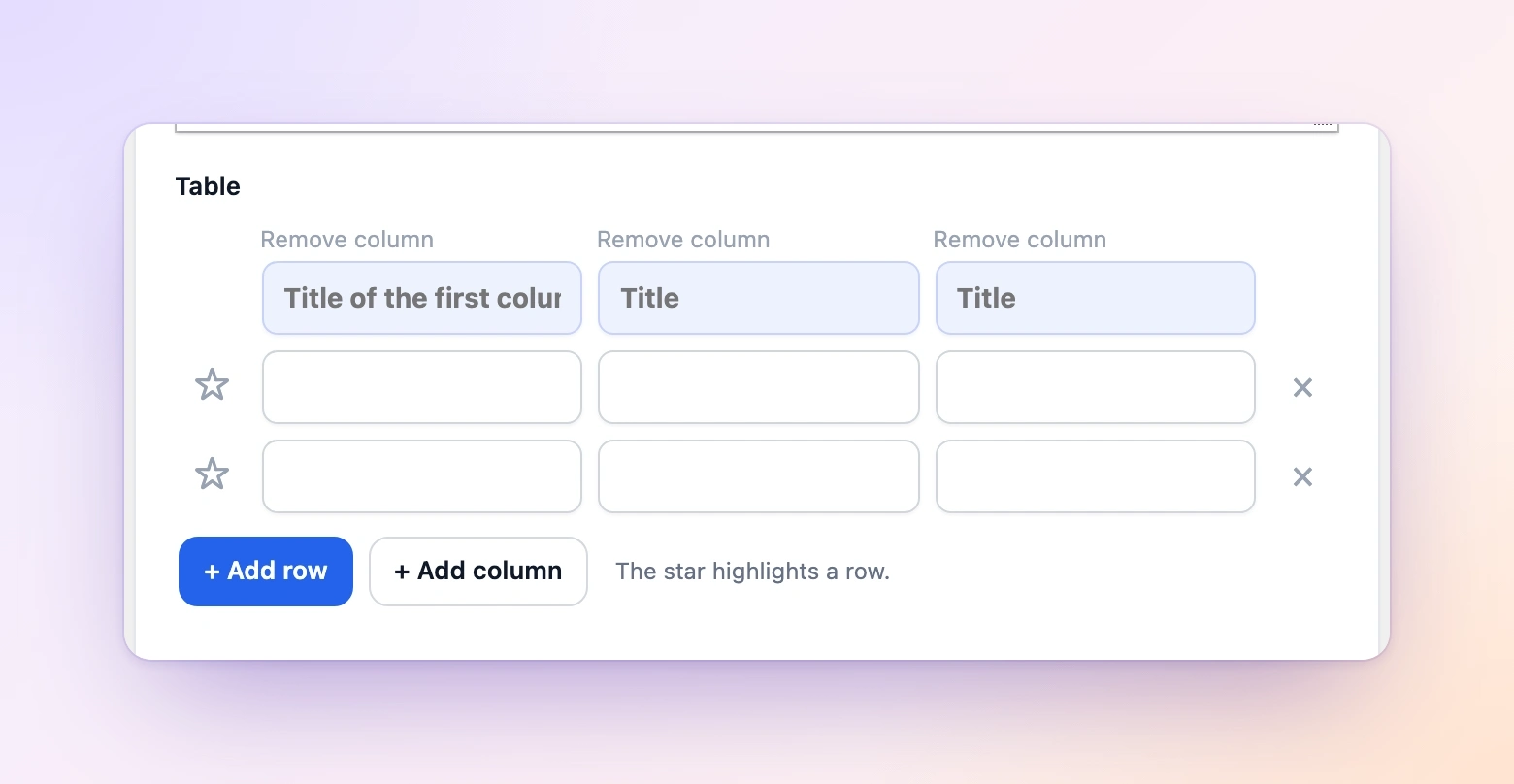
What the editor sees. A grid with buttons to add and remove rows and columns, and a switch for the header row.
| Name in files and code | table_editor |
ugly_get() gives |
[ 'head' => [ ... ], 'rows' => [ ... ] ]. ugly_show() prints the <table>. |
| Behavior | cannot be required; can share a line with other fields |
Settings
| Setting | What it does | Default |
|---|---|---|
| Most columns | How many columns the editor can add. | 6 |
In your theme
$table = ugly_get( 'prices' );   // [ 'head' => [...], 'rows' => [...] ]

// The simplest: print it.
ugly_show( 'prices' );              // a <table>

// Your own markup:
if ( $table ) : ?>
	<table>
		<thead><tr>
			<?php foreach ( $table['head'] as $cell ) : ?><th><?php echo esc_html( $cell ); ?></th><?php endforeach; ?>
		</tr></thead>
		<tbody>
			<?php foreach ( $table['rows'] as $row ) : ?>
				<tr><?php foreach ( $row as $cell ) : ?><td><?php echo esc_html( $cell ); ?></td><?php endforeach; ?></tr>
			<?php endforeach; ?>
		</tbody>
	</table>
<?php endif;
Good to know
- The maximum columns setting limits how wide it can get.