When to use it. Several pictures in an order you choose: a gallery, a slider, a portfolio.
What the editor sees. A grid of thumbnails you can drag into order, with Add images.
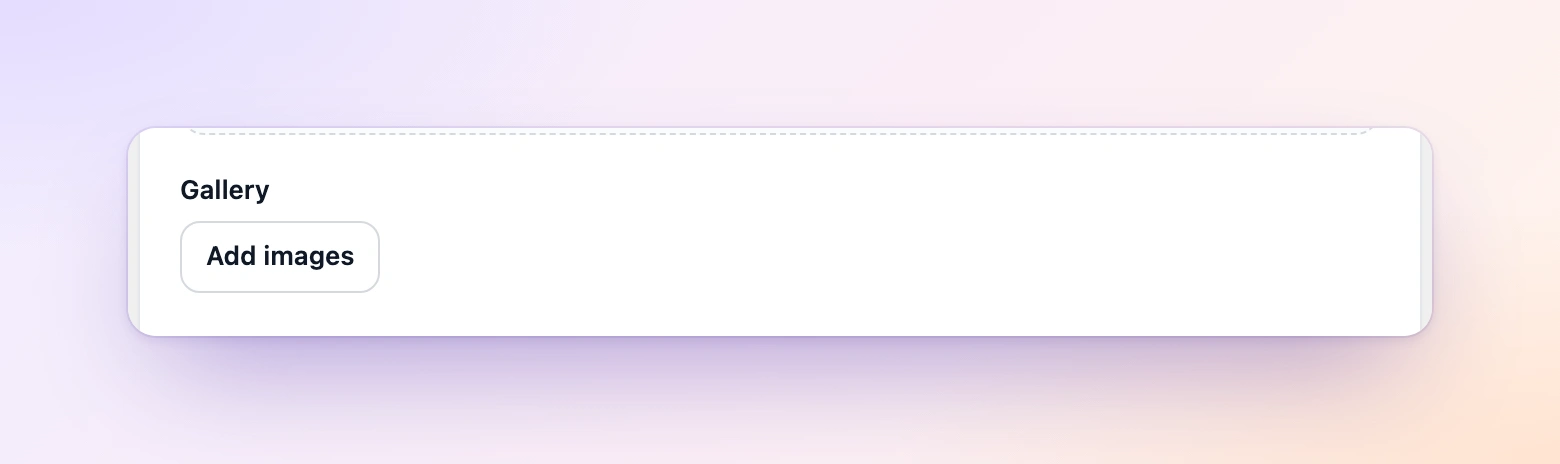
| Name in files and code | gallery |
ugly_get() gives |
A list of images (IDs, URLs or arrays). |
| Behavior | can be required; can share a line with other fields |
Settings
| Setting | What it does | Default |
|---|---|---|
| Fewest images needed | 0 means no minimum. If it is not met, the page is saved as a draft. | 0 |
| Most images allowed | 0 means no limit. | 0 |
| What the code receives | What ugly_get() returns. The ID is the lightest: use it with wp_get_attachment_image(). Choices: {'value': 'id', 'label': 'The ID'}, {'value': 'url', 'label': 'The URL'}, {'value': 'array', 'label': 'All the details'}. |
id |
In your theme
foreach ( ugly_get( 'gallery' ) as $id ) {   // return format: id
	echo wp_get_attachment_image( $id, 'medium' );
}

// With a minimum and a maximum:
// Fewest images needed = 3 and Most images allowed = 12 are enforced in the editor.
Good to know
- Fewest images needed and Most images allowed are checked in the editor and when saving.
- With What the code receives set to
idyou get a list of IDs, the best way to use WordPress' own image functions.