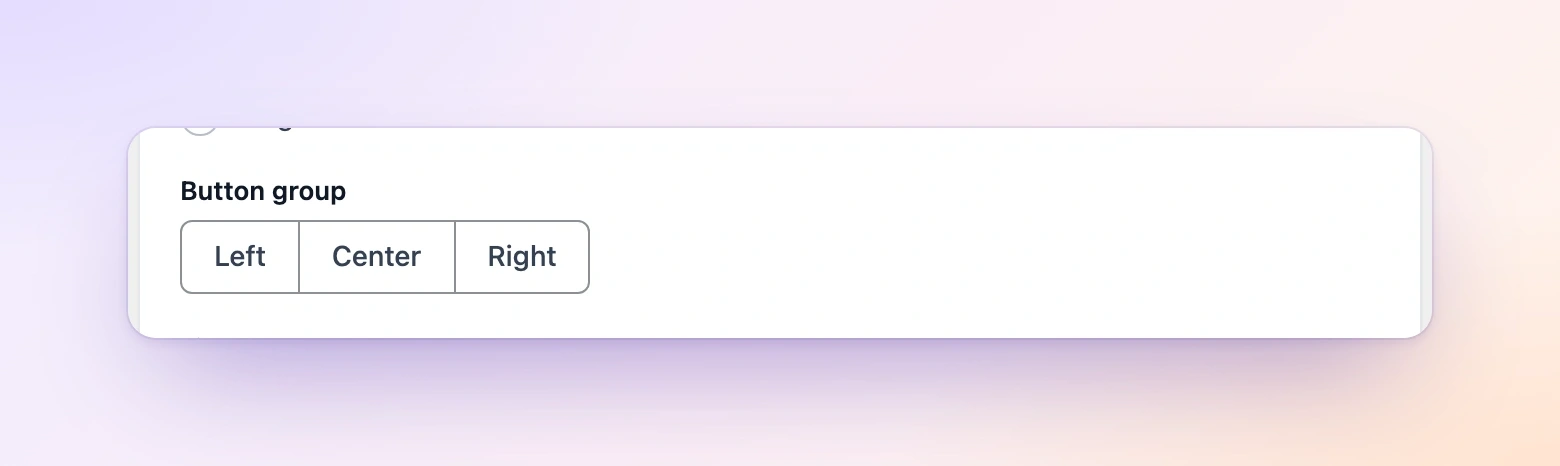
When to use it. One choice shown as a row of buttons: left, center, right; small, medium, large.
What the editor sees. A row of buttons, one pressed.
| Name in files and code | button_group |
ugly_get() gives |
The value, the label, or [ 'value' => , 'label' => ]. |
| Behavior | can be required; can share a line with other fields |
Settings
| Setting | What it does | Default |
|---|---|---|
| Where the options come from | manual |
|
| Choices | The value is what is saved; the label is what the editor sees. | (a list) |
| Folder inside the theme | For example assets/icons. The file name is saved; its name, tidied up, is shown. | (empty) |
| Content type | The ID of the entry is saved; its title is shown. Published entries only. | (empty) |
| Allow no choice | Adds a "None" button, so the editor can leave it empty. | Off |
| What the code receives | What ugly_get() returns for the chosen option. Choices: {'value': 'value', 'label': 'The value'}, {'value': 'label', 'label': 'The label'}, {'value': 'array', 'label': 'Both (value and label)'}. |
value |
In your theme
$align = ugly_get( 'align' );         // 'center'
echo '<div class="text text--' . esc_attr( $align ) . '">';
Good to know
- It reads like Radio buttons, with a look made for few, short choices.