When to use it. A switch: show a banner, feature a post, open in a new tab.
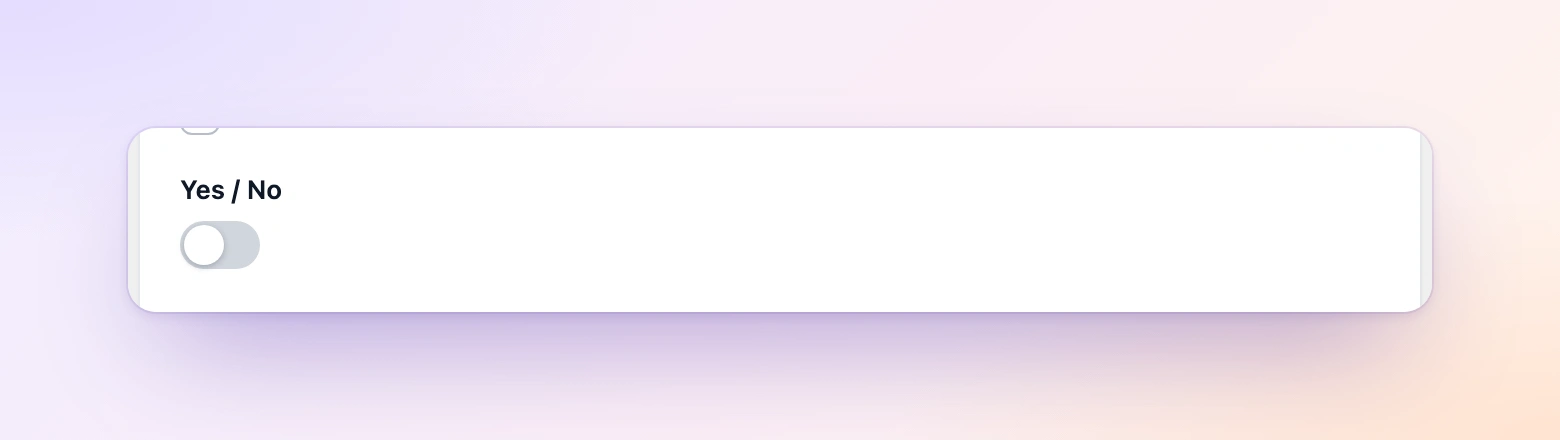
What the editor sees. A switch (or a checkbox, with Show as a switch off) with the text you chose next to it.
| Name in files and code | true_false |
ugly_get() gives |
true or false. |
| Behavior | cannot be required; can share a line with other fields |
Settings
| Setting | What it does | Default |
|---|---|---|
| Text next to the switch | For example: Show this section. | (empty) |
| Show as a switch | Off shows a plain checkbox. | On |
| Text when on (ugly_show) | Yes |
|
| Text when off (ugly_show) | No |
In your theme
if ( ugly_get( 'featured' ) ) {
	echo '<span class="badge">Featured</span>';
}

// In a search:
$q = ugly_find( 'product', array( 'featured' => true ) );
Good to know
- It gives
trueorfalse, never'1'or''. - Read a switch with
ugly_get(), not withhas().has()says yes for a saved "no". - Text when on (ugly_show) and Text when off (ugly_show) are what
ugly_show()prints for yes and no.