Options and content types
Options pages
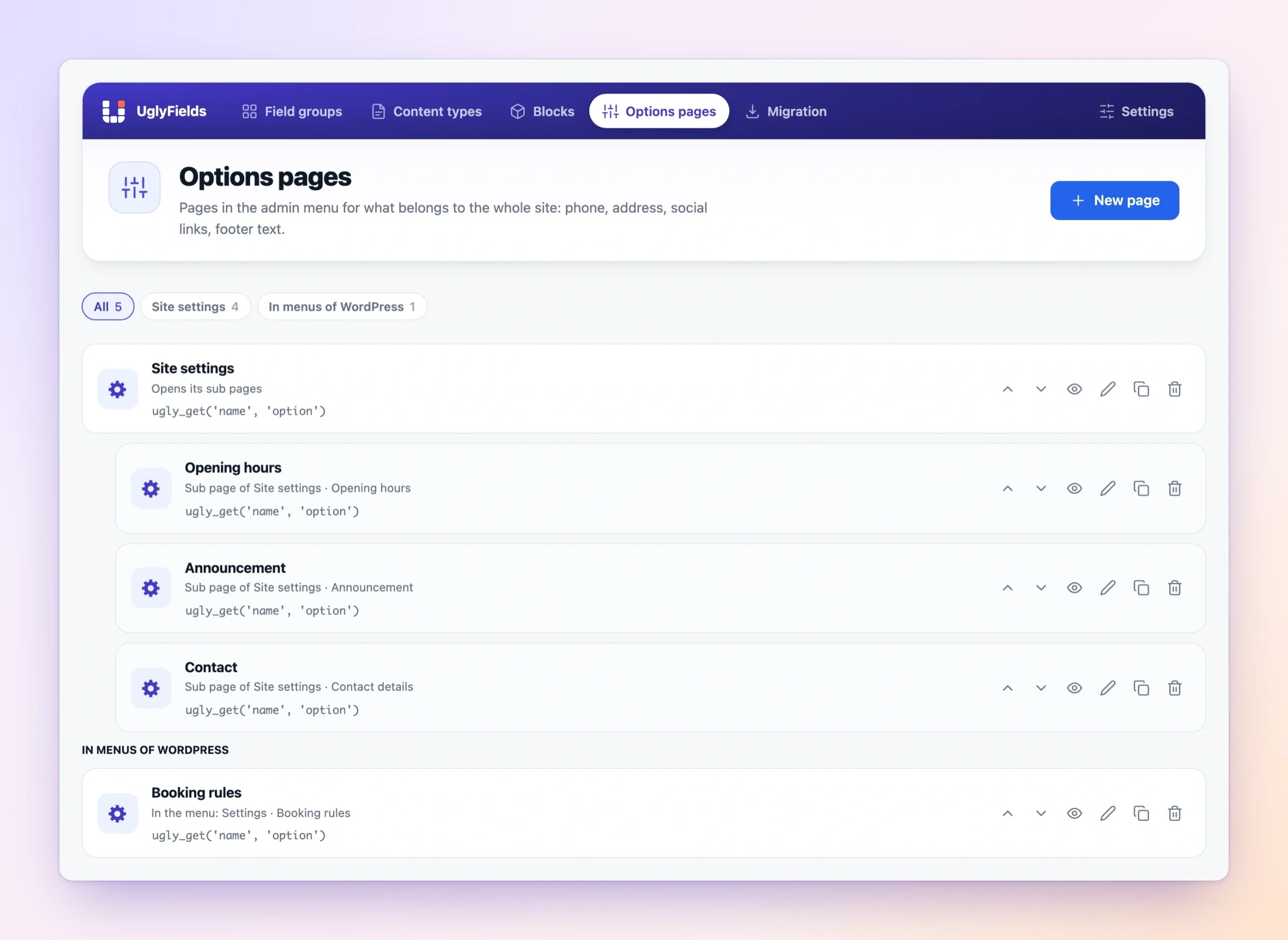
An options page is a page in the admin menu for information of the whole site: a phone number, an address, social links, the text of the footer, a site-wide announcement.
On this page
Making one
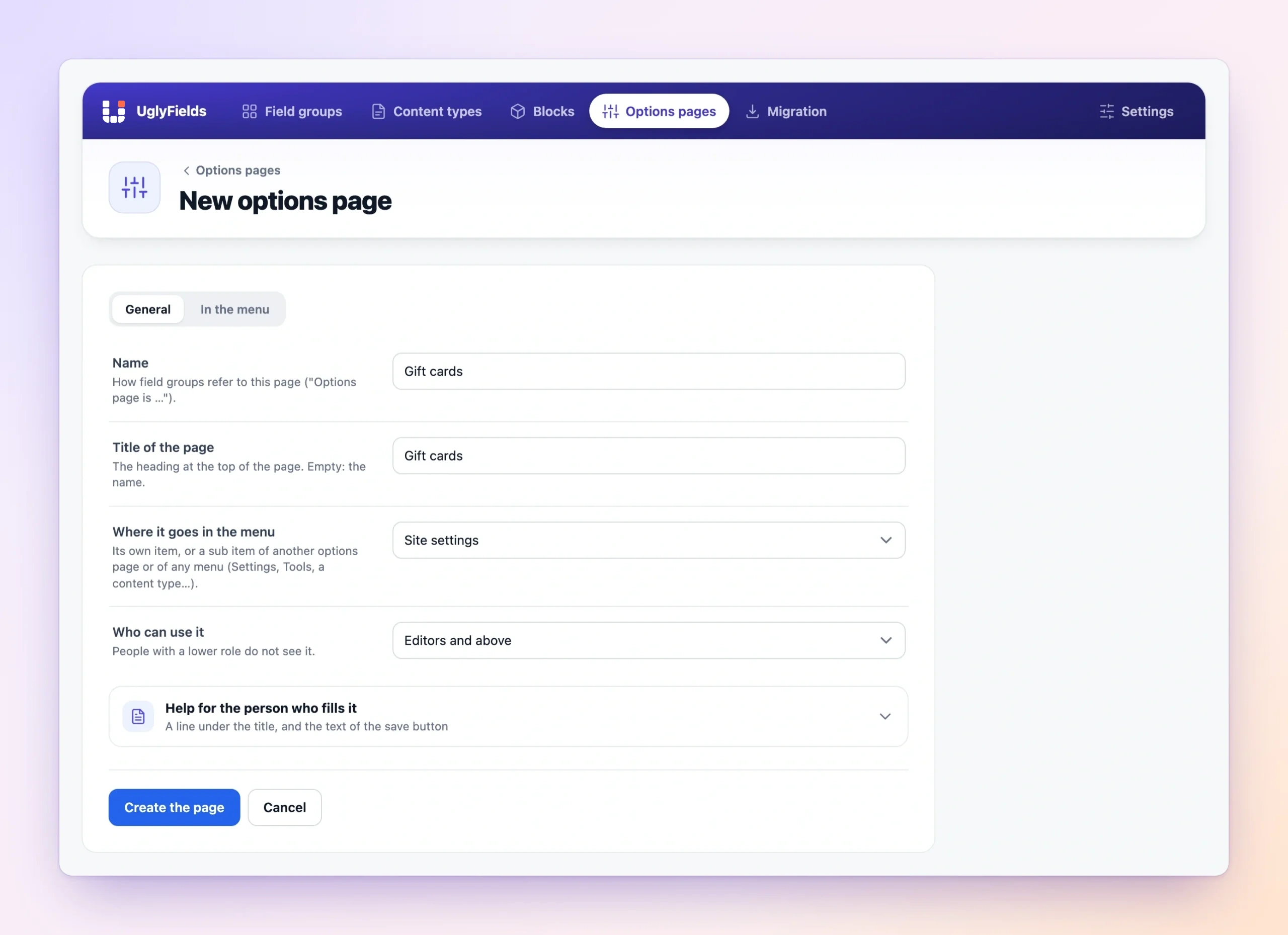
- Go to UglyFields → Options pages → New page.
- If Ask what to build is on, choose where it goes: Its own item in the menu, Inside Settings or Inside Tools.
- Fill in the name and the options below, and press Create the page.
- Make a field group with the location Options page is … and the name of your page.
The settings of a page
| Setting | What it does |
|---|---|
| Name | What field groups refer to ("Options page is …"). It does not change once the page exists |
| Title of the page | The heading at the top of the page. Empty: the name |
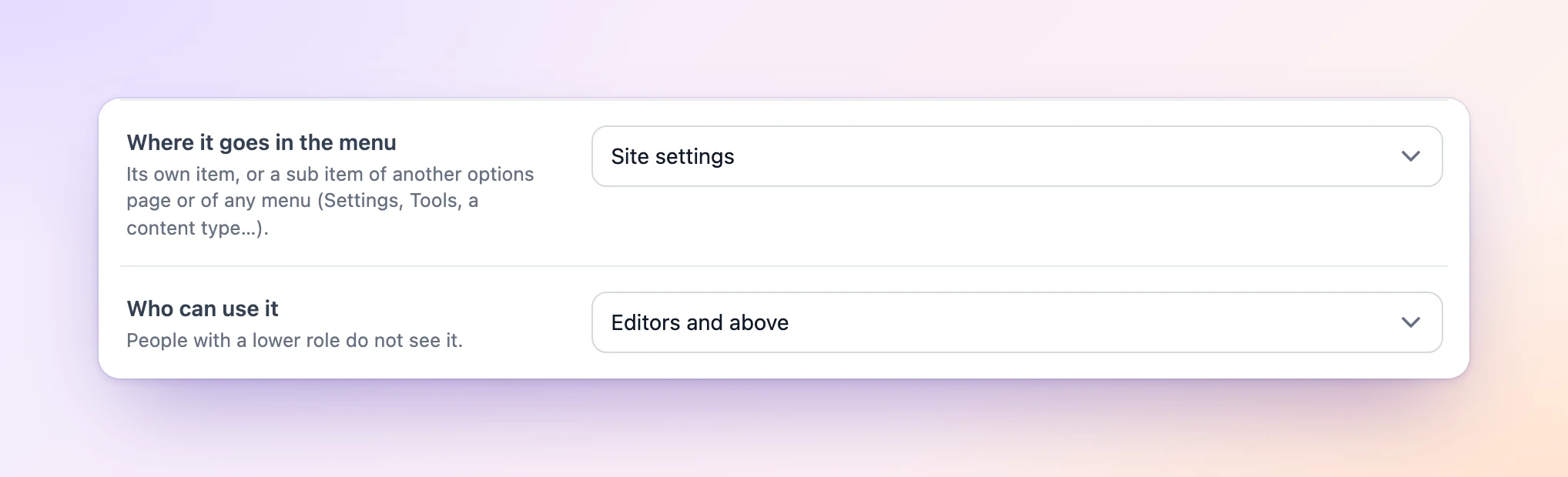
| Where it goes in the menu | Nowhere: its own item of the menu, a sub item of another options page, or a sub item of any WordPress menu (Settings, Tools, a content type…) |
| Who can use it | As the settings say, or a lower or higher role. People with a lower role do not see it |
| A line of help | Shown under the title, for the people who fill the page |
| Text of the save button | Empty: "Save changes" |
| Name in the menu | What the menu shows. Empty: the name |
| Icon | From the list, a Dashicons name (dashicons-store), an image address, or an SVG as data:image/svg+xml;base64,… |
| Place in the menu | A number: the smaller, the higher (Posts are 5, Pages 20, Appearance 60). 0 puts it after the others, in the order of the list |
Pages that hold pages
A page can have sub pages: choose another options page in Where it goes in the menu. In the list, the parent has a pill that shows it and its sub pages.
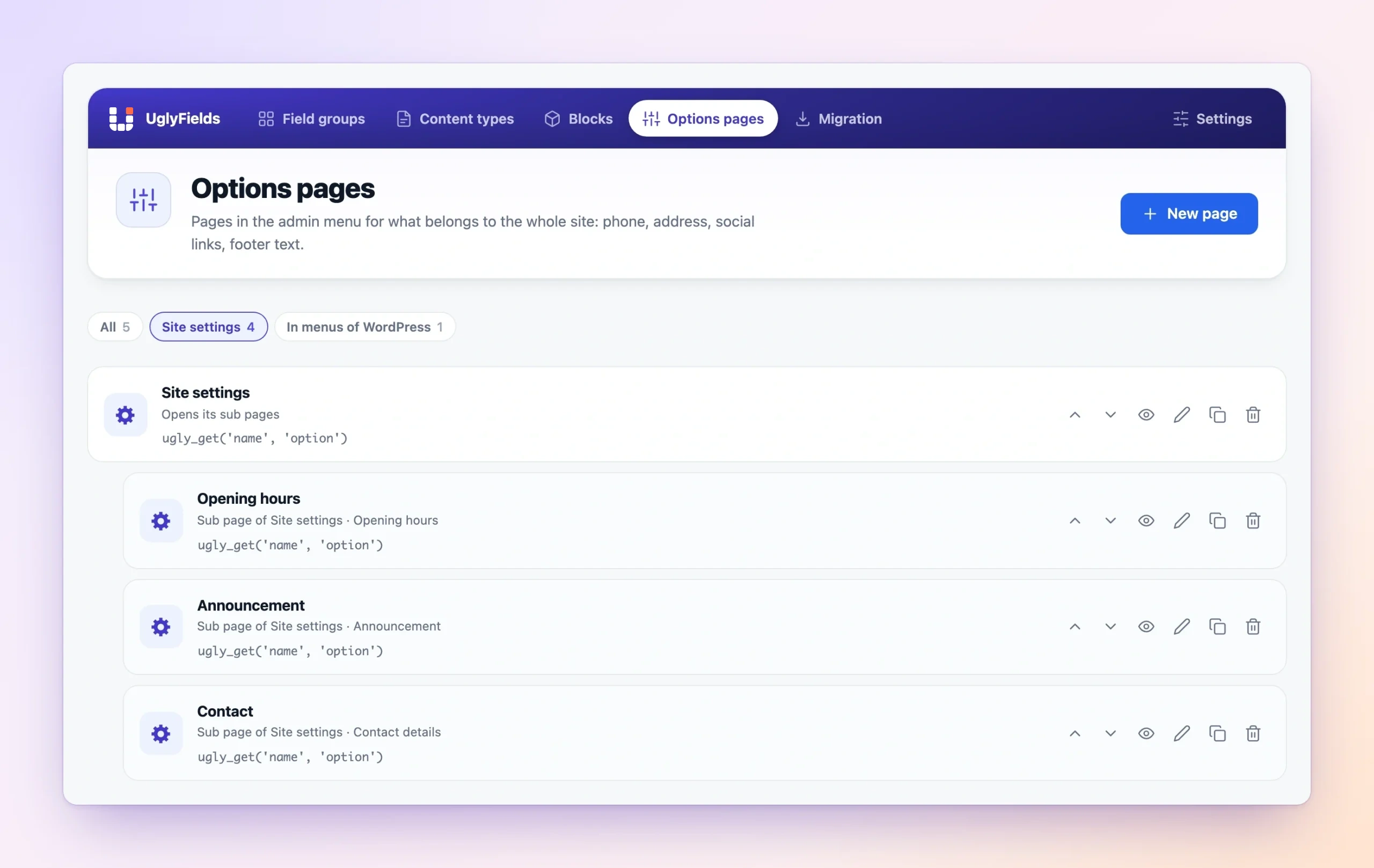
- A page that still holds sub pages cannot go to the trash. Move or remove its sub pages first, or tick all of them together.
- When a page comes back from the trash, it goes under the same parent if that one is still there.
Reading its values
ugly_show( 'phone', 'option' );

$social = ugly_rows( 'social_links', 'option' );
foreach ( $social as $link ) {
	printf(
		'<a href="%s">%s</a>',
		esc_url( $link->get( 'url' ) ),
		esc_html( $link->get( 'network' ) )
	);
}Who can see and save it
The default is set in Settings → General → Who can use options pages. A page can have its own rule. The filter ugly_options_capability changes the default from code. See Hooks.
More than one language Pro
When the site uses Polylang, options pages show a bar with the languages. A field marked as different in each language has one value per language and shows the main language's value until one is written. A field marked the same is shared. See More than one language.
Did this article answer your question?
Thank you. It helps us make the documentation better. Need more help?