Tidy the editing screen
Switch a group off without deleting it
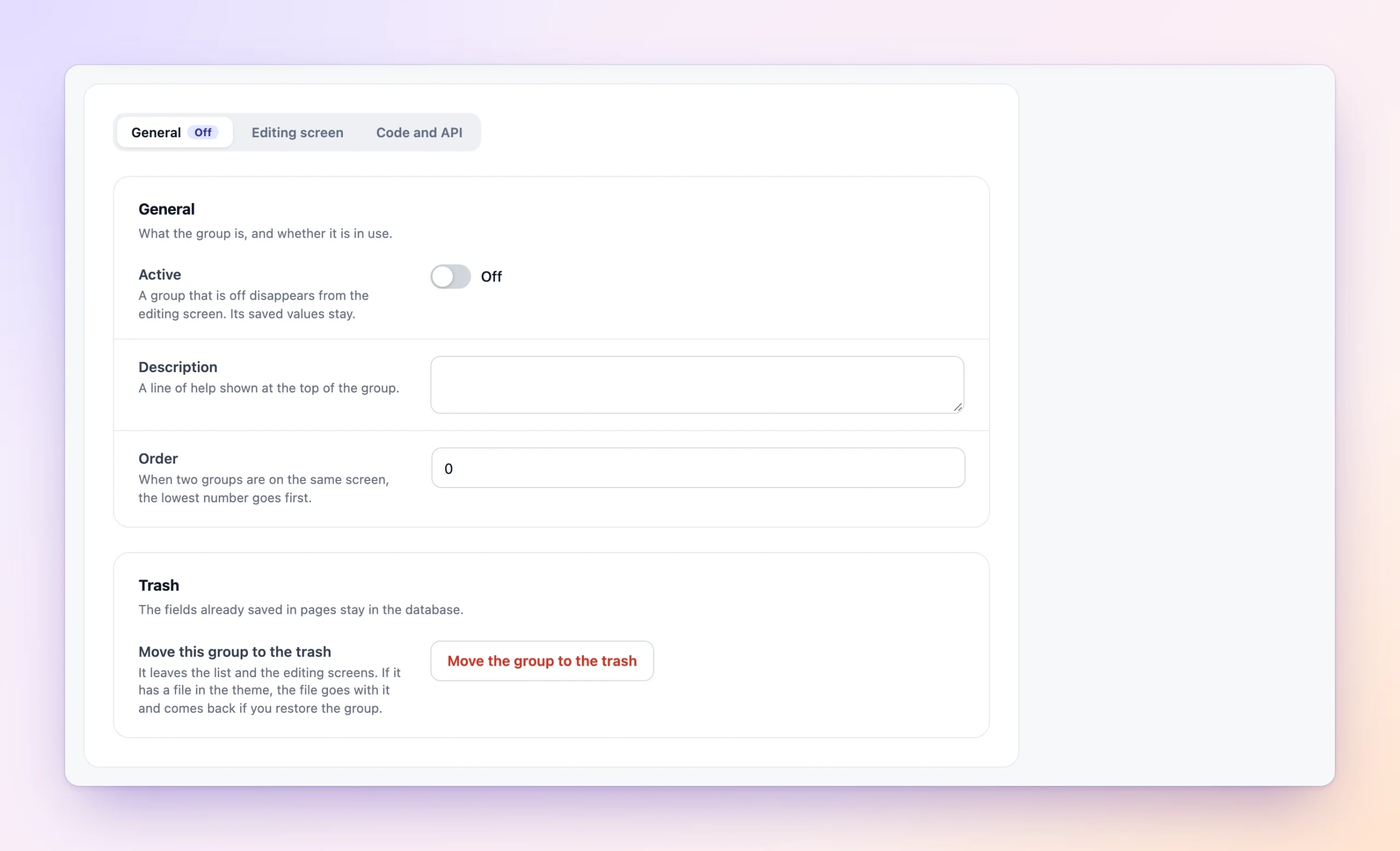
You want: a group gone from the editing screens for now.
- Open the group, Settings → General.
- Switch Active off.
The group disappears from the editing screens. Its saved values stay. Switch it on and everything is back.
Did this article answer your question?
Thank you. It helps us make the documentation better. Need more help?