Tidy the editing screen
Delete a group, and get it back
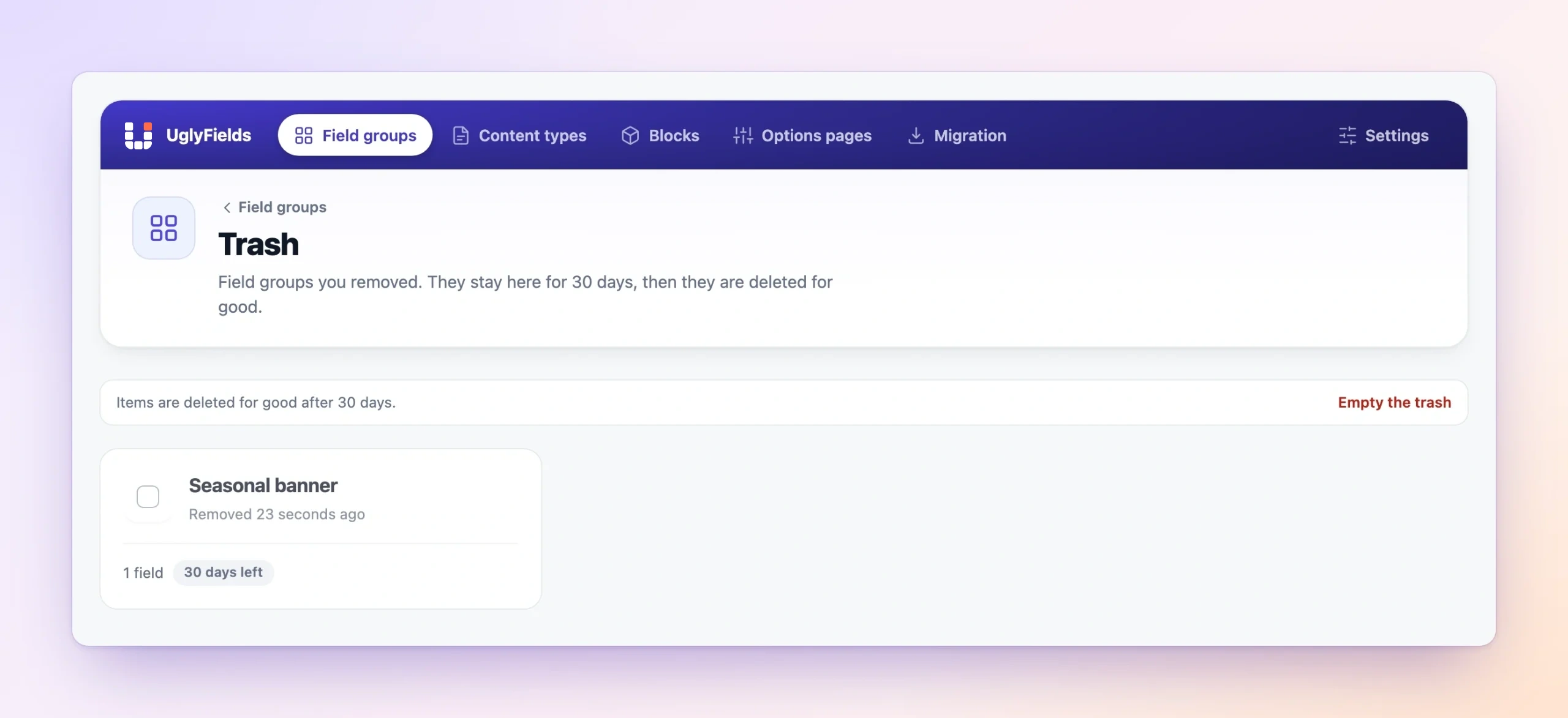
You want: remove a group you no longer use.
- Open the group and press Move this group to the trash (in Settings → General), or use the
...menu of its card. - It asks first.
It leaves the list and the editing screens. If it has a file in your theme, the file goes with it. It waits in the trash for 30 days, and you can restore it from there: the file comes back too. Values saved on pages are not touched.
Did this article answer your question?
Thank you. It helps us make the documentation better. Need more help?