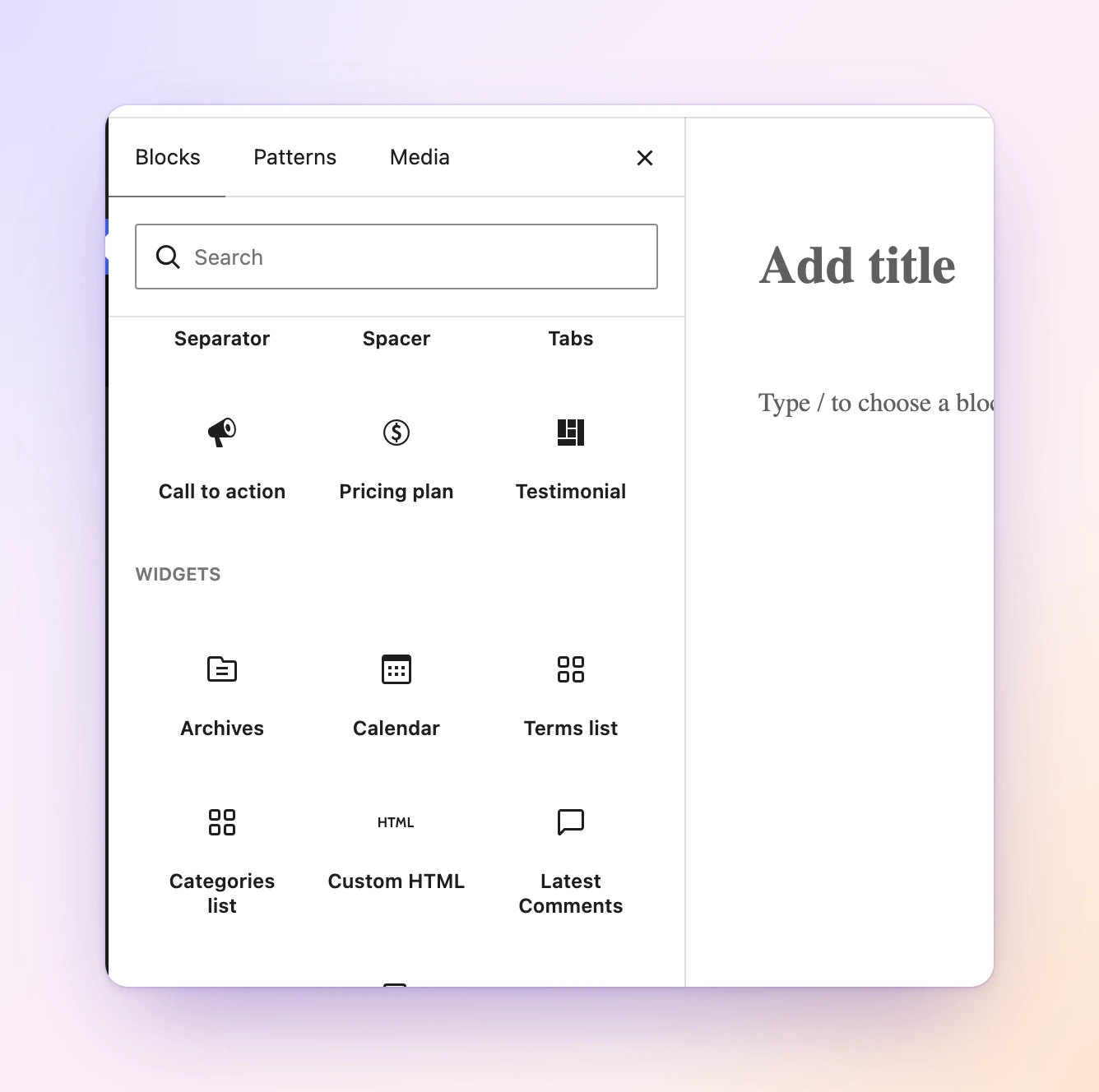
What you build. Three blocks for the block editor: a Testimonial, a Pricing plan, and a Section that holds other blocks Pro.
Step 1. The testimonial
- UglyFields → Blocks → New block.
- Choose A block with fields. The form opens with the title
Testimonialand the nametestimonial. - Leave Also make its field group on. Create the block.
- In the group that was made, add: Text area
quote, Textauthor, Textrole, Imagephoto(return format ID). - Open
ugly-blocks/testimonial/render.phpin your theme and write:
<figure <?php echo get_block_wrapper_attributes( array( 'class' => 'testimonial' ) ); // phpcs:ignore WordPress.Security.EscapeOutput ?>>
	<blockquote><?php $block->show( 'quote' ); ?></blockquote>

	<?php echo wp_get_attachment_image( $block->get( 'photo' ), 'thumbnail' ); ?>

	<figcaption>
		<strong><?php $block->show( 'author' ); ?></strong>
		<span><?php $block->show( 'role' ); ?></span>
	</figcaption>
</figure>
In More options, switch off A box around the block, because the file draws its own box.
Step 2. The pricing plan
A second block pricing-plan, with fields name (Text), price (Text), features (Repeater of label Text), button (Link).
<?php $button = $block->get( 'button' ); ?>
<div <?php echo get_block_wrapper_attributes( array( 'class' => 'plan' ) ); // phpcs:ignore WordPress.Security.EscapeOutput ?>>
	<h3><?php $block->show( 'name' ); ?></h3>
	<p class="plan__price"><?php $block->show( 'price' ); ?></p>

	<ul>
		<?php foreach ( $block->rows( 'features' ) as $feature ) : ?>
			<li><?php $feature->show( 'label' ); ?></li>
		<?php endforeach; ?>
	</ul>

	<?php if ( $button ) : ?>
		<a class="button" href="<?php echo esc_url( $button['url'] ); ?>"><?php echo esc_html( $button['title'] ); ?></a>
	<?php endif; ?>
</div>
Step 3. A section that holds other blocks Pro
- New block → A block that holds other blocks. Title
Section. - In Blocks inside it, leave Which blocks empty (any block) and set Blocks it starts with to
[["core/heading", {"level": 2}], ["core/paragraph"]]. - The render file:
<section <?php echo get_block_wrapper_attributes( array( 'class' => 'section' ) ); // phpcs:ignore WordPress.Security.EscapeOutput ?>>
	<div class="section__content">
		<?php ugly_inner_blocks(); ?>
	</div>
</section>
Step 4. Use them
Open a page. Press +, search Testimonial. Press Edit fields in its toolbar and type. The preview updates in the page.
What you learned
- A block is a folder in
ugly-blocks/, and its fields are a normal group. $blockholds the fields of the block as a row.- You write PHP, not React.