More than one language
Options pages
Options pages show a bar with the languages. A field marked different has one value per language, and shows the main language's value until one is written. A field marked the same is shared.
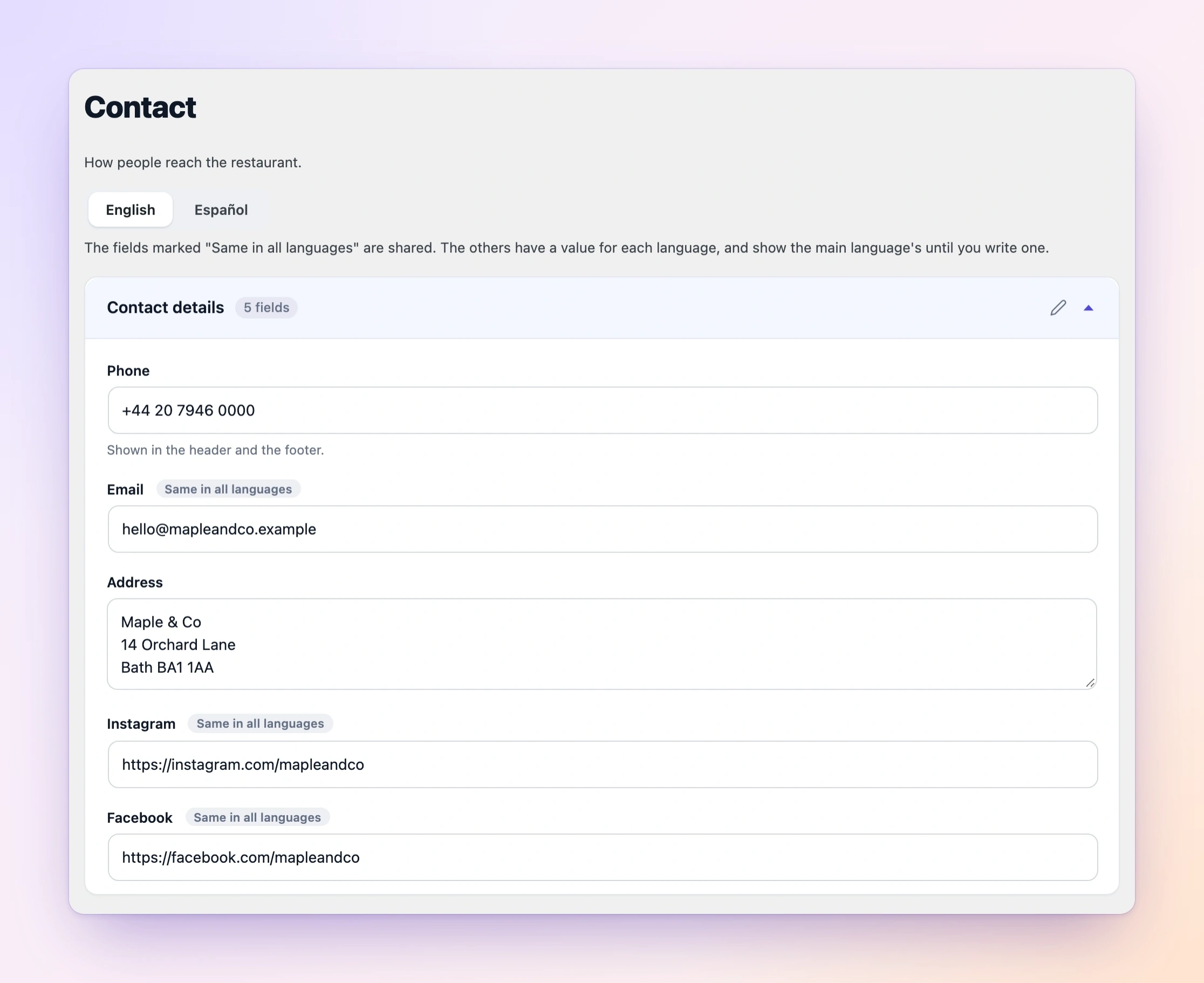
The main language keeps the usual names (options_title), so adding or removing Polylang loses nothing.
How to edit:
- Open the options page.
- Choose the language in the bar at the top.
- Change the fields and press Save changes. The value saved is the one of the language you chose.
Did this article answer your question?
Thank you. It helps us make the documentation better. Need more help?