Blocks
Editing a block in the editor
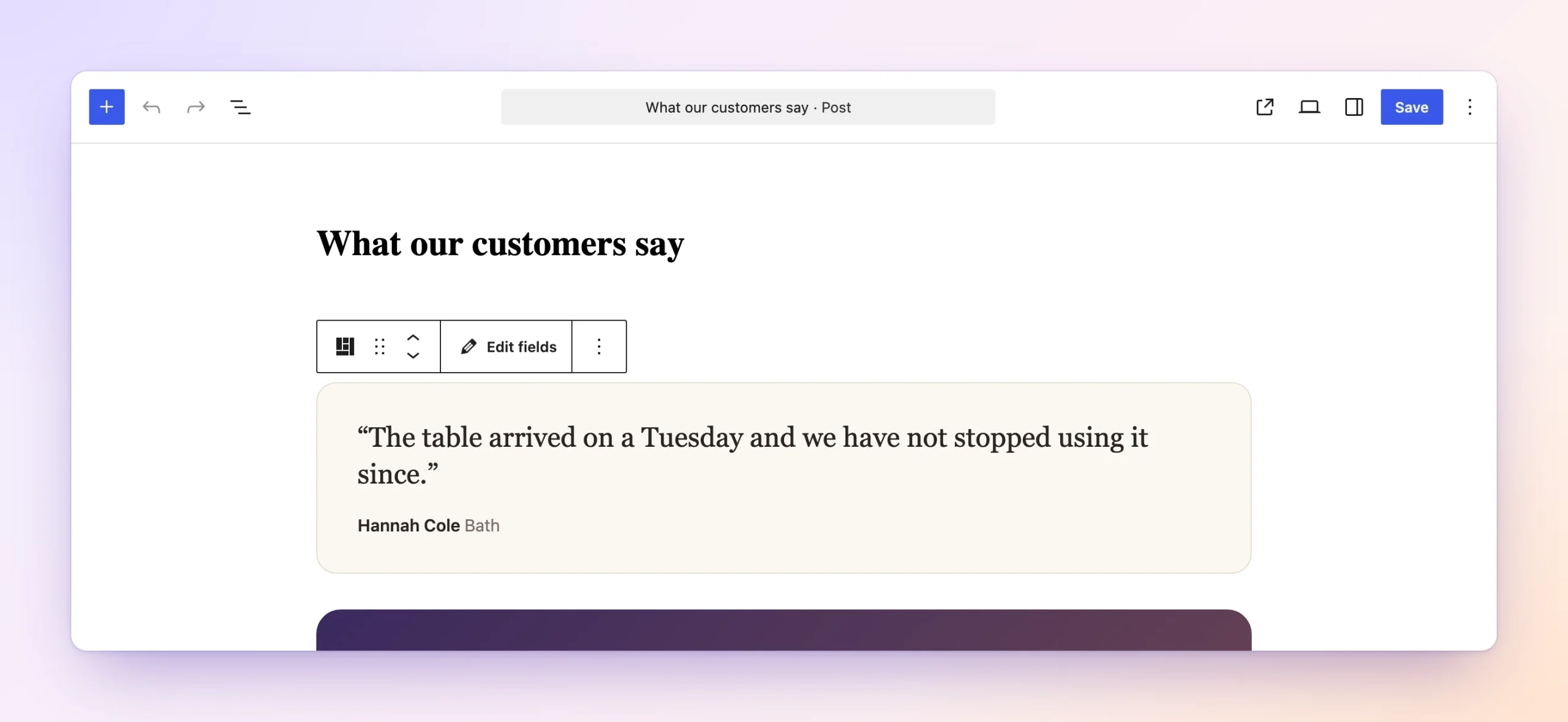
- The block shows its preview in the page.
- Edit fields in its toolbar opens a panel on the right with the fields. The panel opens only when you press that button: not when the block is added, not when you click it.
- Drag the left edge of the panel to make it wider. It remembers the width.
- If you can build groups, the panel has a link Edit this group that opens the group in the builder.
- A block with required fields empty is outlined in red with a Fill in N required fields button. The page cannot be published until they are filled.
- With Show it on the site too, the block is also saved as a page field. See Block fields that are also fields of the page.
Did this article answer your question?
Thank you. It helps us make the documentation better. Need more help?