When to use it. Reuse the fields of another group (or some of its fields) here, without making them twice.
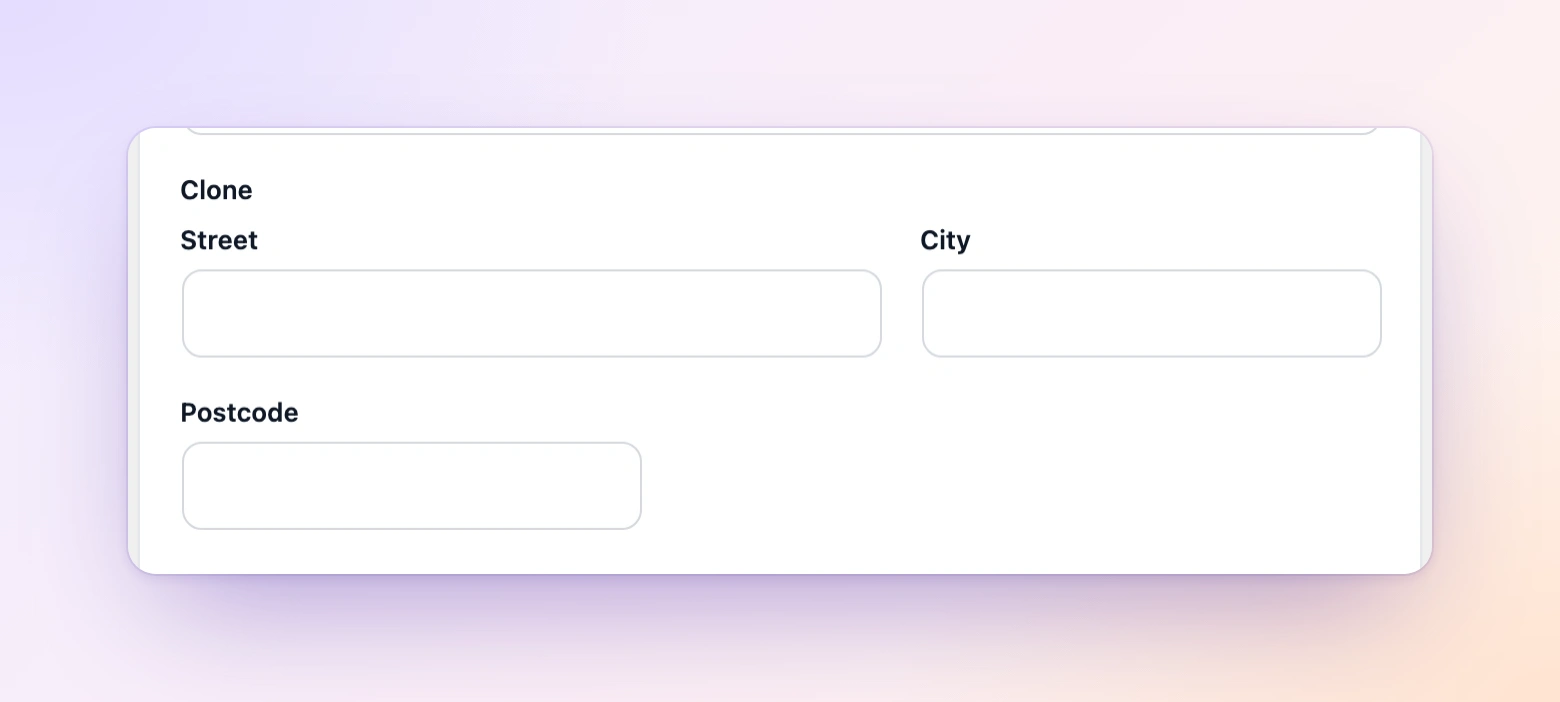
What the editor sees. The fields it copies, drawn as if they were here.
| Name in files and code | clone |
ugly_get() gives |
The fields it copies, as if they were here. |
| Behavior | cannot be required; can share a line with other fields |
Settings
| Setting | What it does | Default |
|---|---|---|
| Group to reuse | (empty) | |
| How it looks | One box keeps the values together. The other mixes them in with the fields around. Choices: {'value': 'group', 'label': 'As one box, with its own name'}, {'value': 'seamless', 'label': 'As if the fields were here'}. |
group |
| Put the name of this field before theirs | Only when the fields are mixed in. "phone" becomes "contact_phone", so two clones do not clash. | Off |
In your theme
// If the clone shows its fields "seamlessly", they are here as normal fields:
ugly_show( 'address_line' );

// If it shows them as a group:
$address = ugly_get( 'address' );
$address->show( 'city' );
Good to know
- How it looks:
groupkeeps them in a box under the name of the clone.seamlessputs them straight in. - Put the name of this field before theirs makes the names
clone_field, as ACF does. - A change in the original shows in every place that clones it.